Automate
Email Send:
How to Automatically Email
Your G-Method File
(WITHOUT an Autoresponder)
WARNING: You must be logged into Gmail.
Once inside your Gmail account click the button below.
This must be the gmail account you used to change your email address in the Gmethod file.
Click on Make a copy (blue button).
You will see your new sheet with the script to automated emailing your file. This is where you will put the email leads you get from organic prospects. But not yet!
First, we need to attach YOUR file to the script.
Click on Extensions then App Script.
Click on Got it (or the X)
Where it says “Enter_File_ID_Here” you will put YOUR file ID NOT mine.
Let’s get YOUR ID.
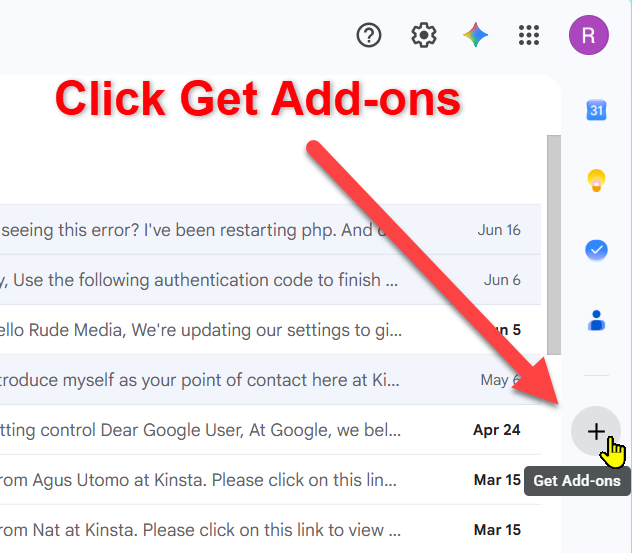
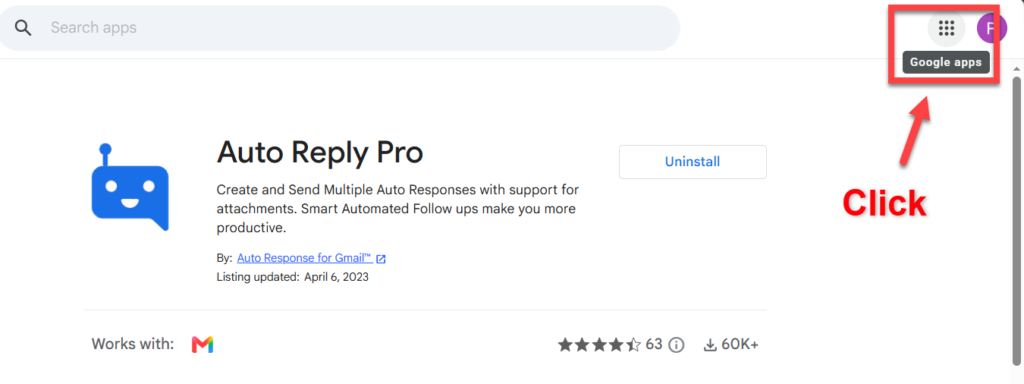
Go back to your Gmail and click on the 9 dots in the upper right corner to get to your Drive file.
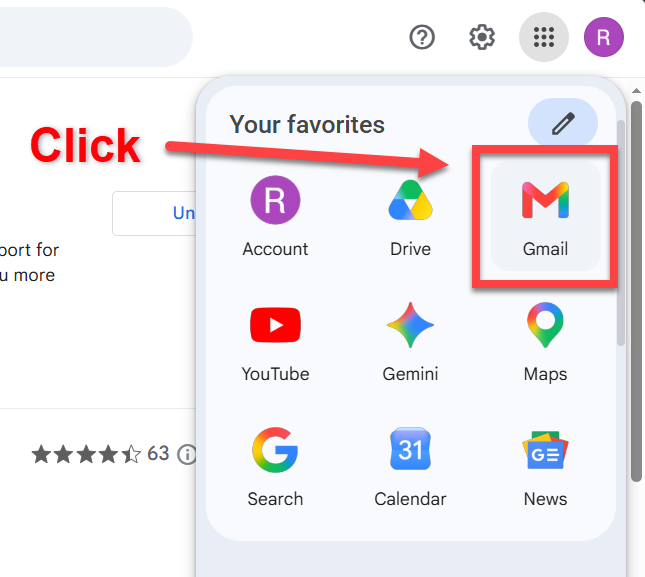
Click on Drive
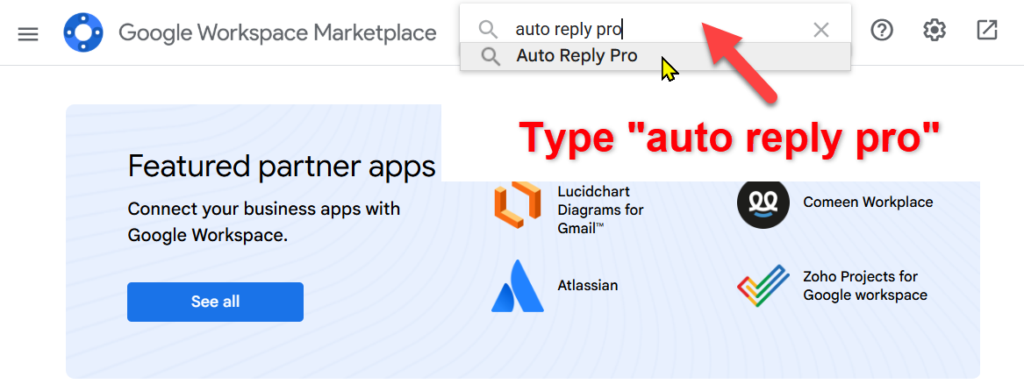
Find your file where you added YOUR email address.
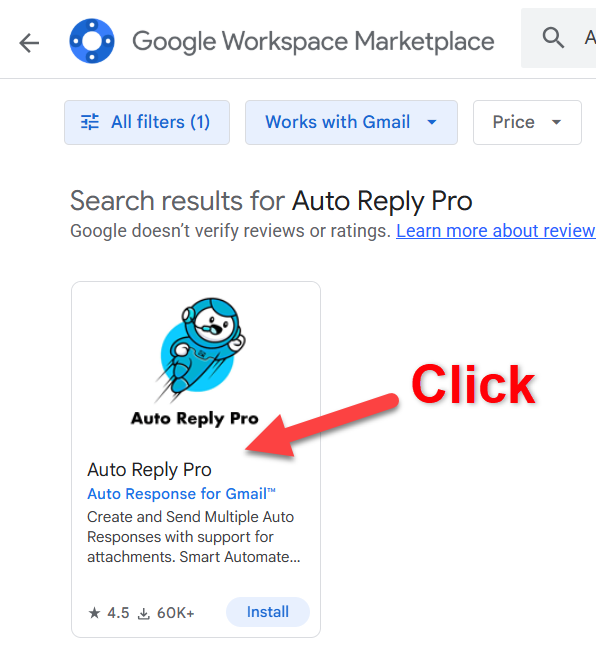
Click on the three dots (to the right) of your file.
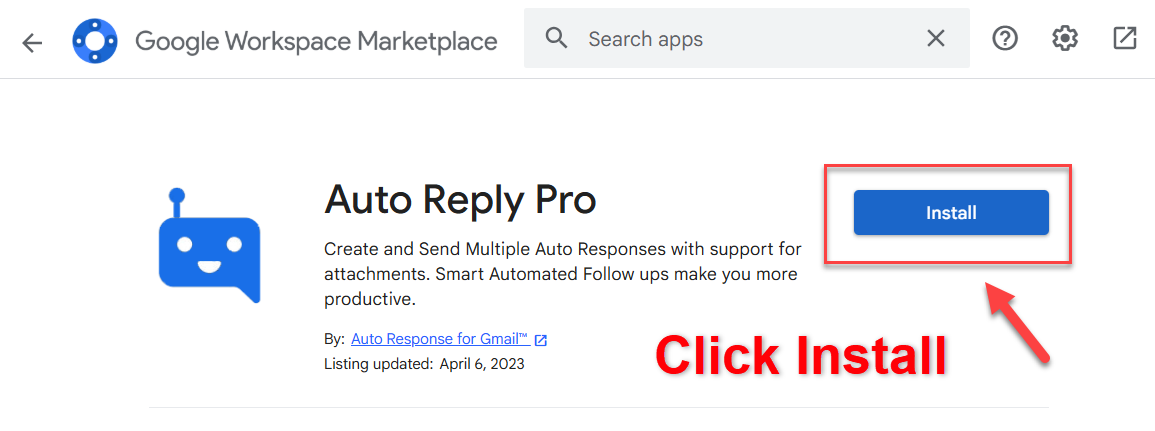
Click Share then Copy Link.
Paste the link in a notepad.
You are going to click right after the slash after the d/
After /d/ click to highlight your file ID all the way to the next slash /
Before /edit
I would then copy this ID and paste it in the same file to make sure you got it right.
Now go back to your Google sheet app script.
And highlight where it says Enter_File_ID_Here
Do NOT highlight the quotes before and after where it says Enter_File_ID_Here
We are going to paste YOUR new ID in between the quotes.
After you see your new ID in the scripts in between the quotes ” “
Then you will click on the little floppy disk to the left of “Run”. It will say “Save Project to Drive” when you hover your mouse over it.
Click it. This will save your script with your new ID.
You only have to do this next part one time.
We are going to give your script permission to run.
Click on “Run”
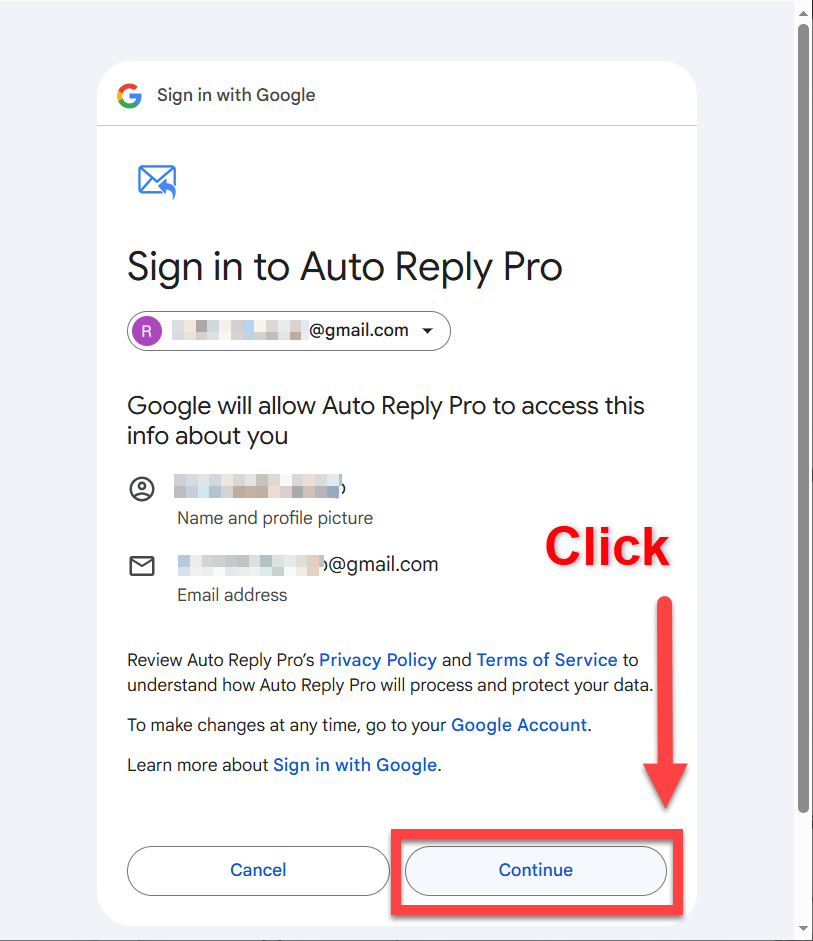
You will see this. Click Review permissions.
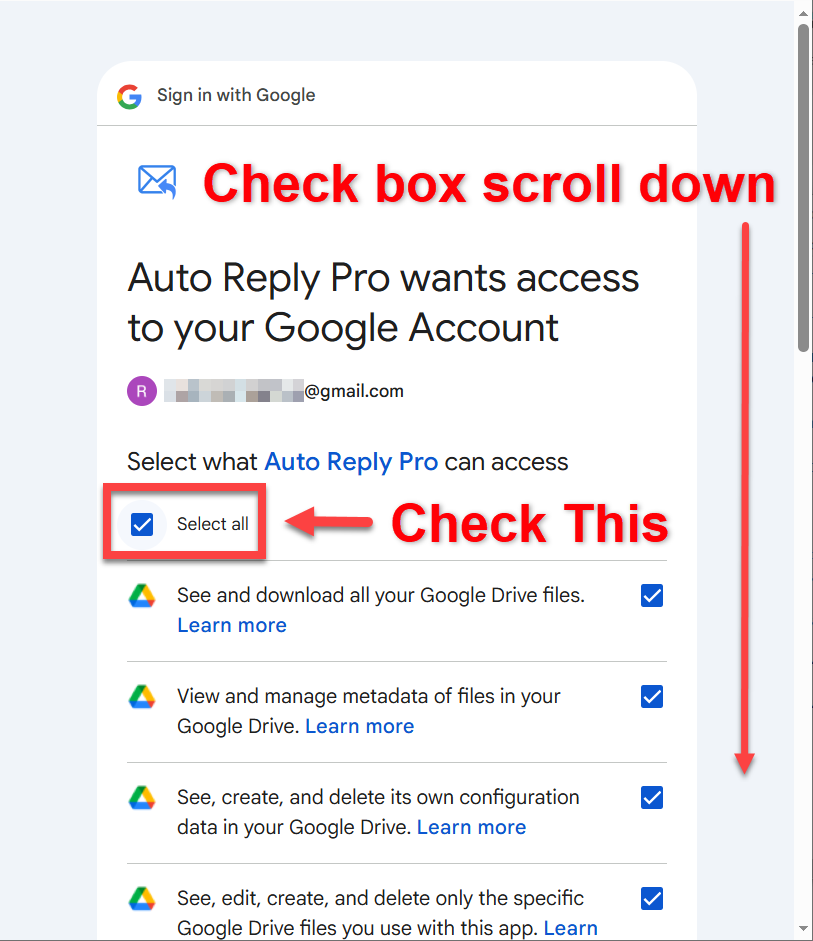
Click Select all in the little checkbox.
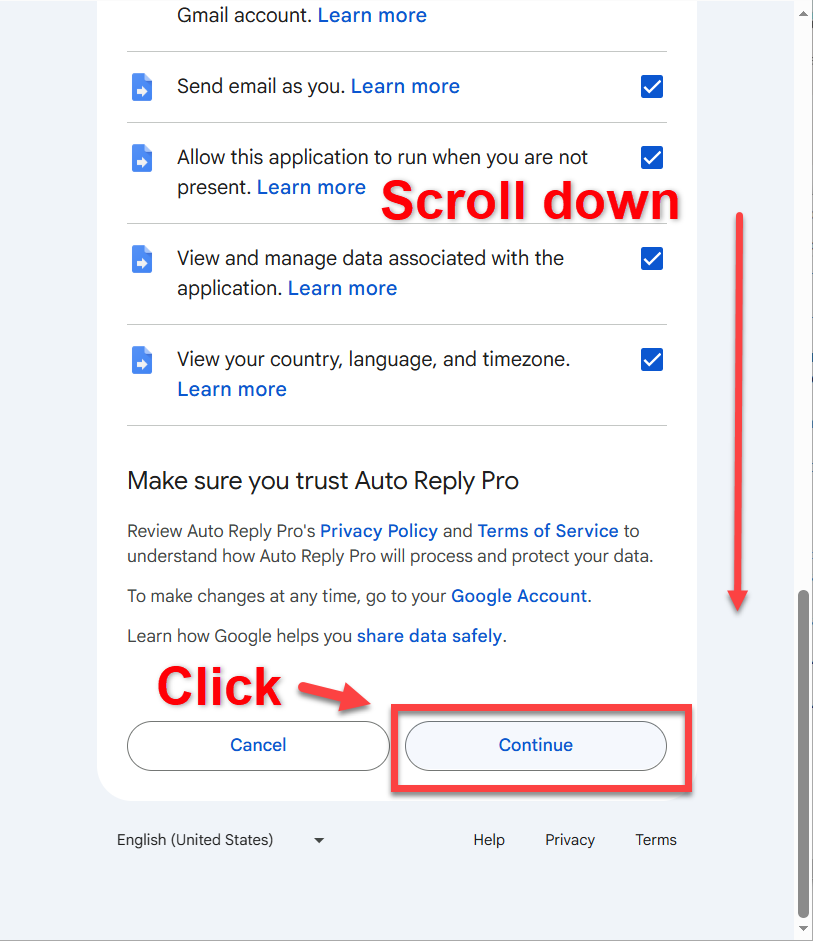
Scroll down and then click Continue.
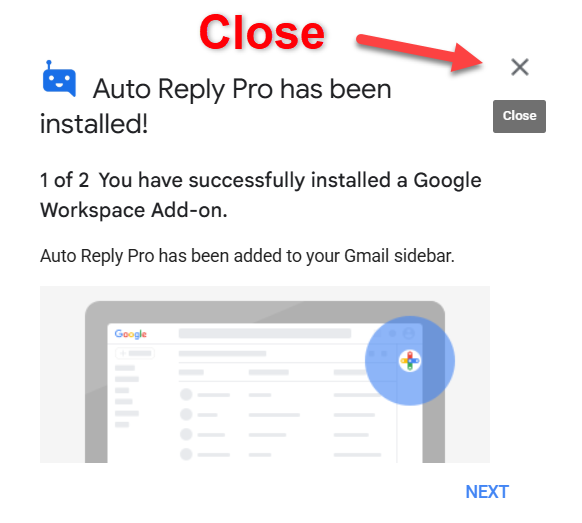
You should see your file. If not find it and open your sheet. You can enter email addresses and click the button in the sheet and the script will run.
If you want to test it. Enter some email addresses you have or friends of yours and click the run button to test it.